How to Send E-Mails From Hybris Commerce Using Google Mail?
February 11, 2018

At a recent client engagement, the client asked to review the Hybris Commerce Out-of-the-Box (OOTB) email templates’ copy early in the project. During this engagement, I worked off-site on most days, and could not reliably access the client’s SMTP Server to send emails from Hybris. In this situation, I decided to use my Gmail account to send Hybris emails to the client directly. In this tutorial, I will demonstrate how to send emails from Hybris Commerce using Google Mail (Gmail).
Prerequisites: To complete this tutorial, you will need a Google Mail (Gmail) account.
Note: Hybris Commerce 6.x OOTB has SMTP disabled in the project. properties file.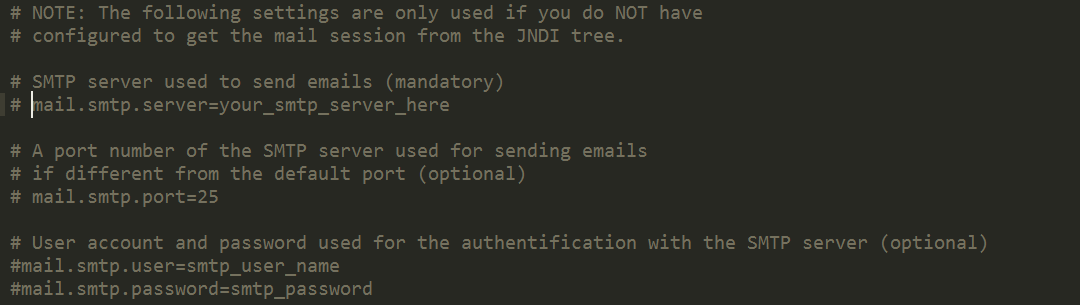
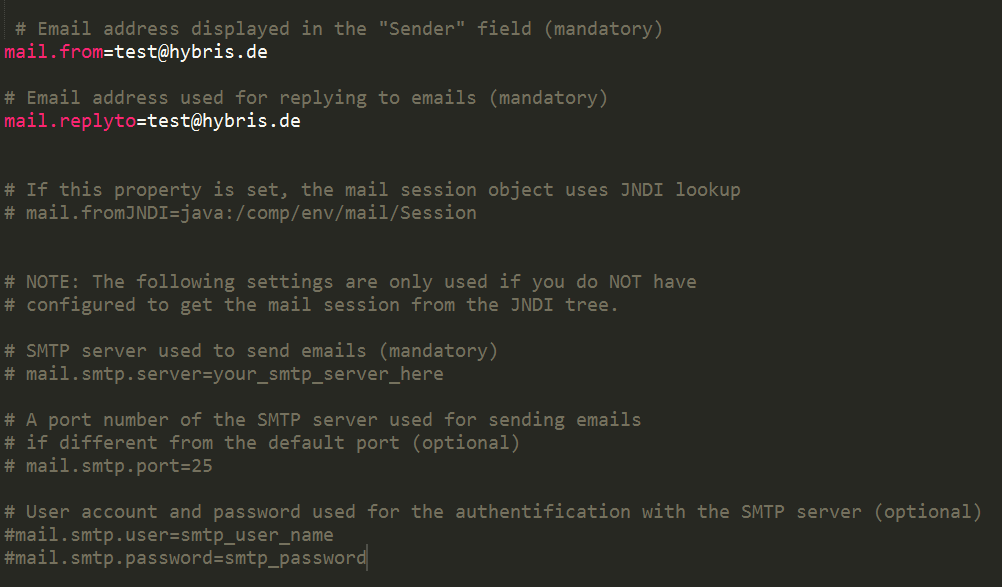
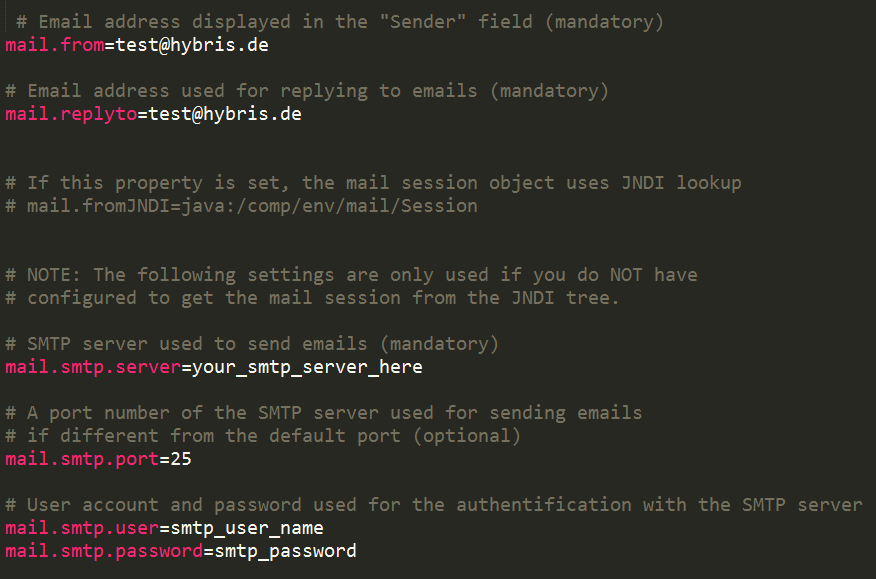
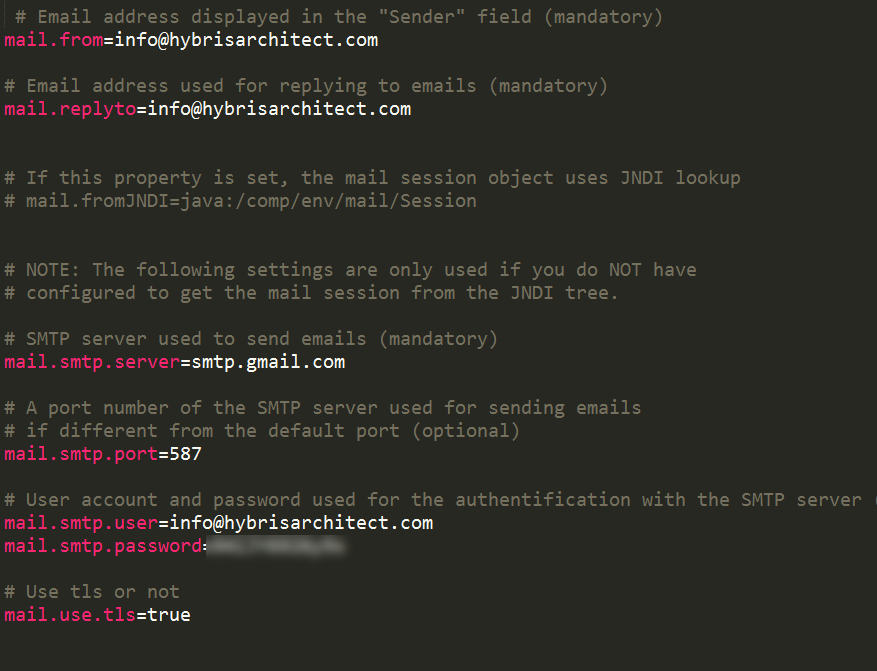
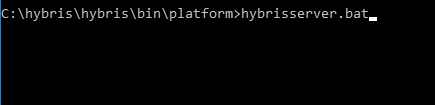
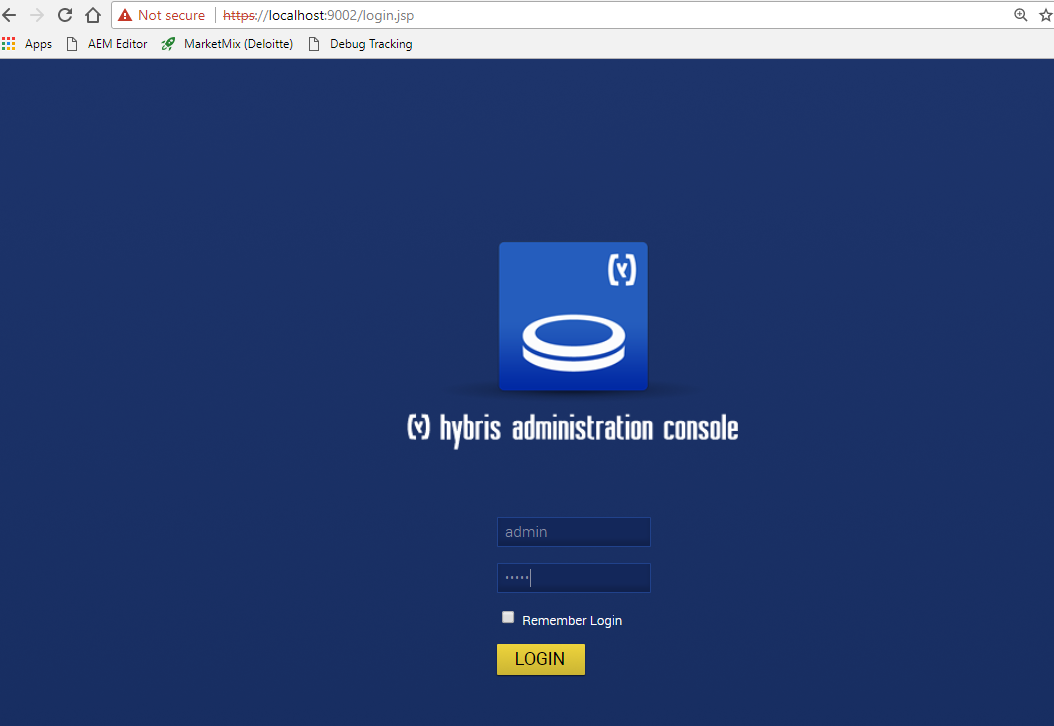
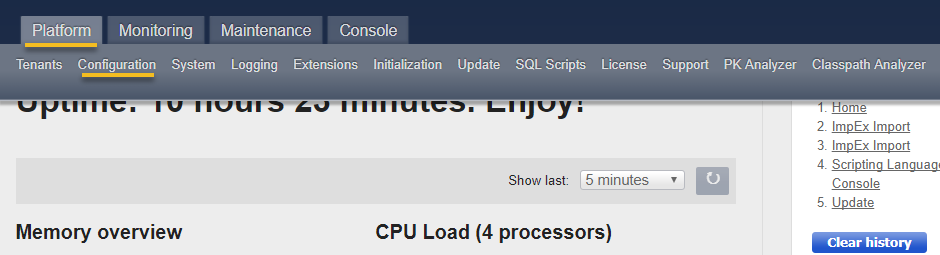
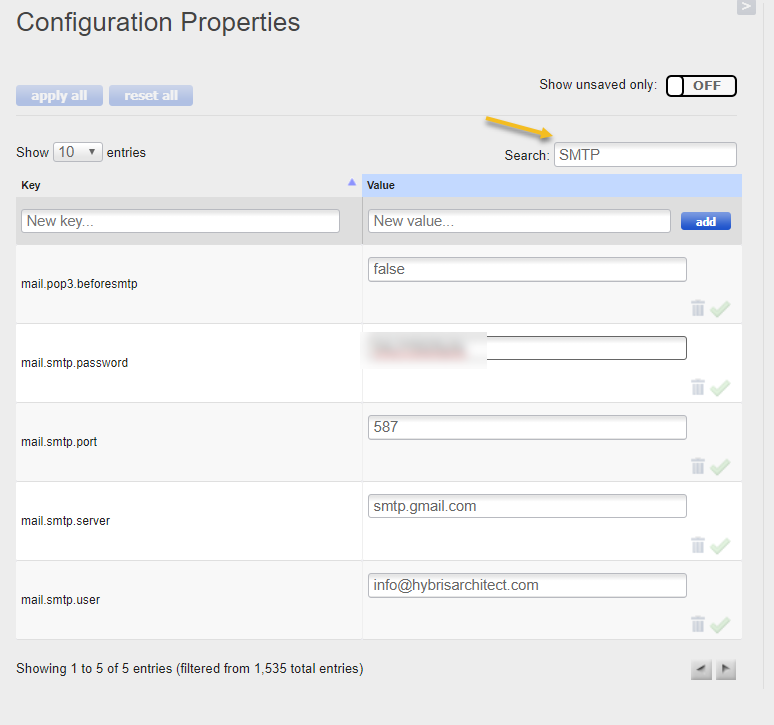
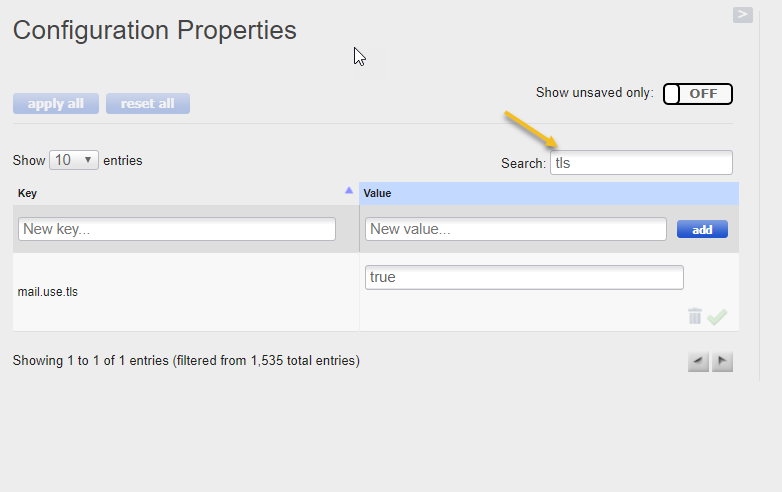
Troubleshooting notes
If you receive the following error: Script execution has failed [reason: org.apache.commons.mail.EmailException: Sending the email to the following server failed : smtp.gmail.com:587]
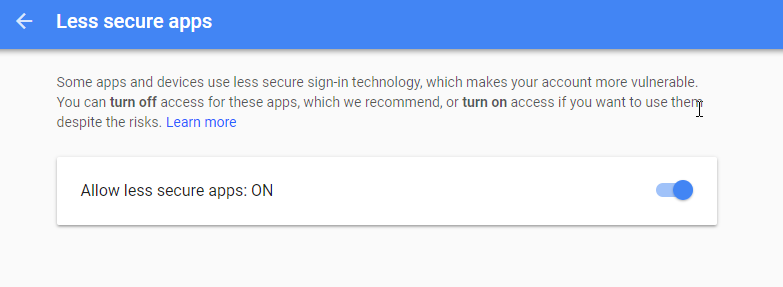
1. Go to your Google Account’s Less Secure Apps page: https://myaccount.google.com/lesssecureapps
2. Set Allow less secure apps to ON
Watch the Video
How to Send E-Mails From Hybris Commerce Using Google Mail (Video Edition)

Marc is the Founder of HybrisArchitect.com.
He enjoys helping others learn more about SAP Commerce Cloud (Hybris). Marc is a SAP Commerce Certified Professional and has held the role of SAP Commerce Cloud Architect at Deloitte, PwC, Brillio (a Bain Company), and Nasty Gal. Marc holds an M.S. Software Engineering from Carnegie Mellon University and a B.S. in Accountancy from California State University, Fresno. He can be reached at: mraygoza@localhost